

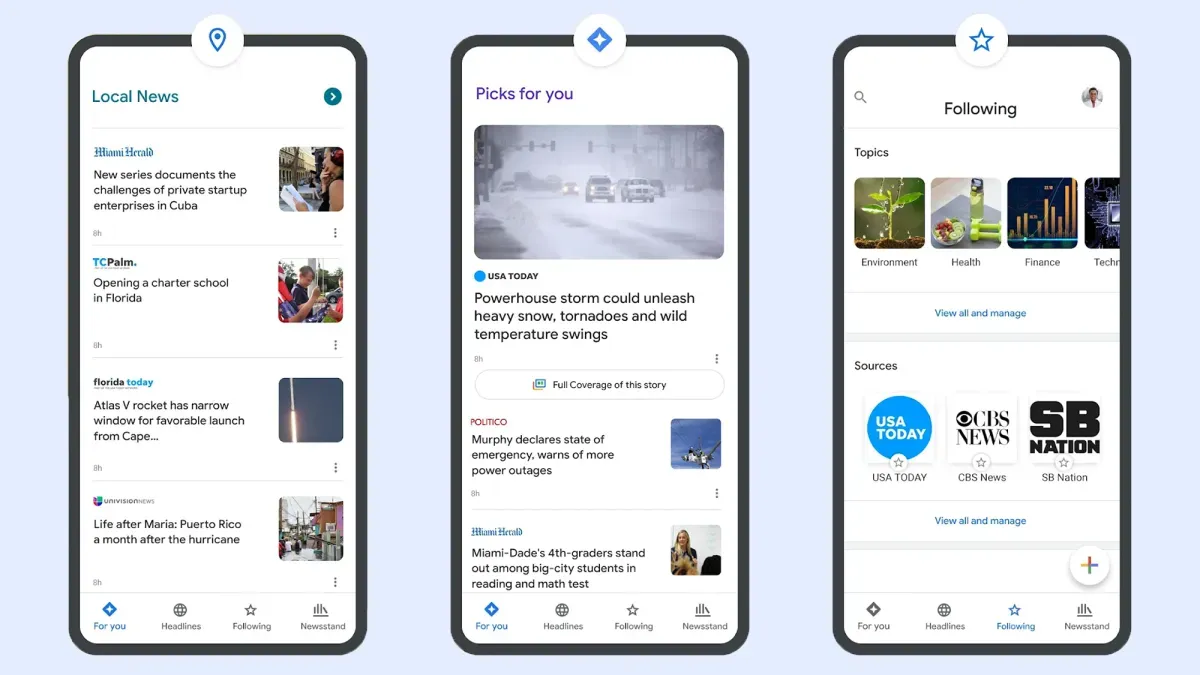
When you search on Google for current events, you often see headlines from news outlets. Google now lets you choose "preferred" sources. These sources will show up first in your search results.
This feature helps you see more of the news you want. For example, you can choose to see more from The New York Times or a local news website.
How to Pick Your Favorite News Sources
When you do a Google search for a news topic, you might see a "Top stories" box. Next to this heading, there's a small icon that looks like two rectangles with a plus sign. Click this icon.
We're a new kind of news feed.
Regular news is designed to drain you. We're a non-profit built to restore you. Every story we publish is scored for impact, progress, and hope.
Start Your News DetoxA new box will appear. Here, you can type the name of a website you want to see more often. Select it when it pops up. You can only add websites that are regularly updated and count as news sites.
Google says these preferred sources will appear "more often." After adding sources, you can click "Reload results" to see how your changes affect your last search.
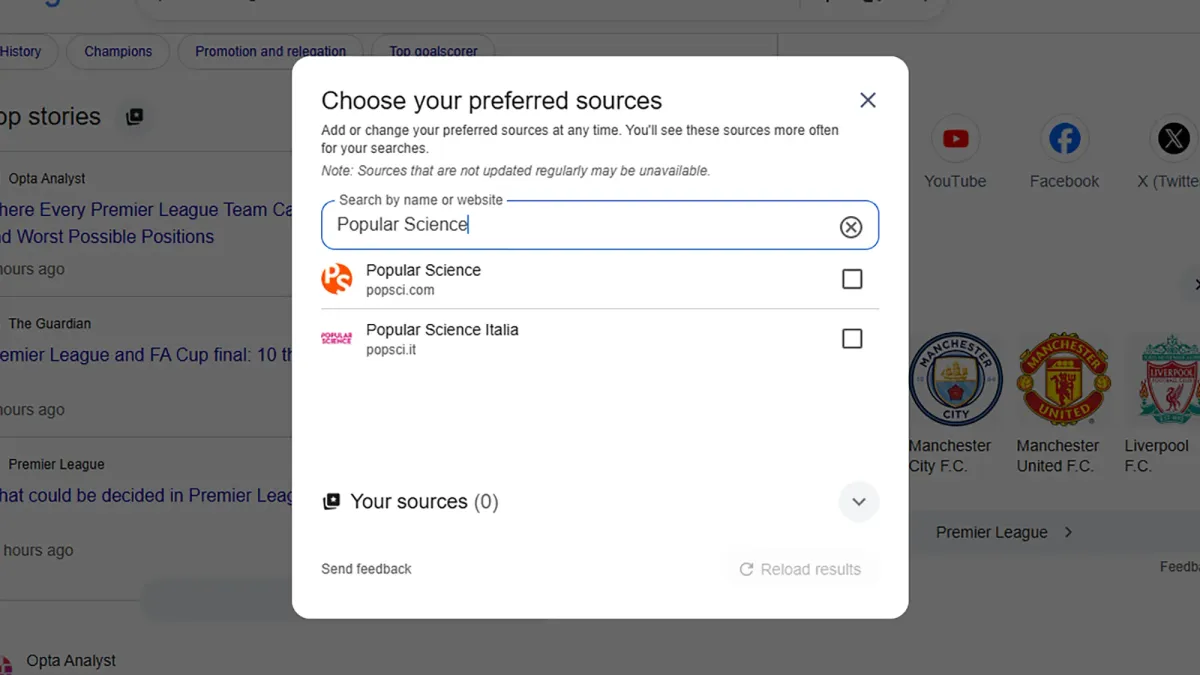
You can always go back to this box to add or remove sources. There's no limit to how many you can add. You can also go directly to google.com/preferences/source in your browser.
Many news websites now have an "Add as a preferred source on Google" button on their articles. Clicking this button takes you right to the preferred sources dialog.
Preferred Sources and Google News
Google hasn't fully explained how preferred sources in Google Search connect to the Google News website and apps. However, there is some overlap.
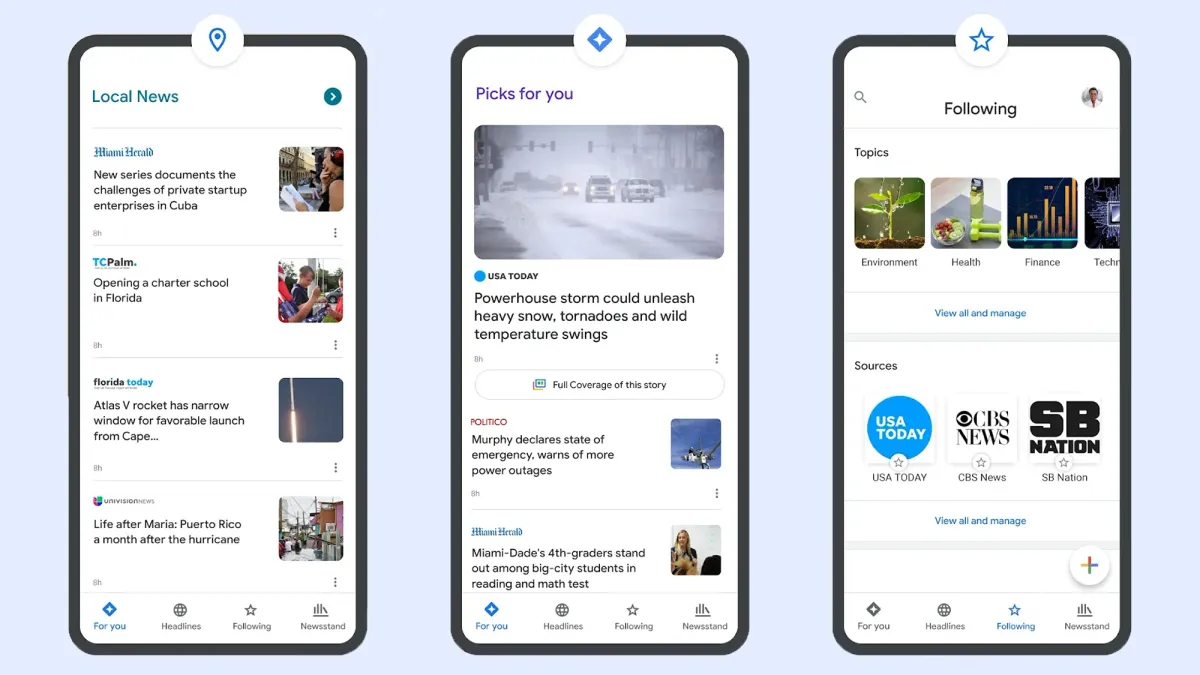
If you go to Google News online and check the "Following" tab, you'll see your preferred sources listed under "Sources." But you can't add new sources directly from Google News yet; you still need to use Google Search.
In Google News, you can click the three dots next to any story to see more or fewer similar stories. You can also block an outlet by choosing "Hide all stories from…"
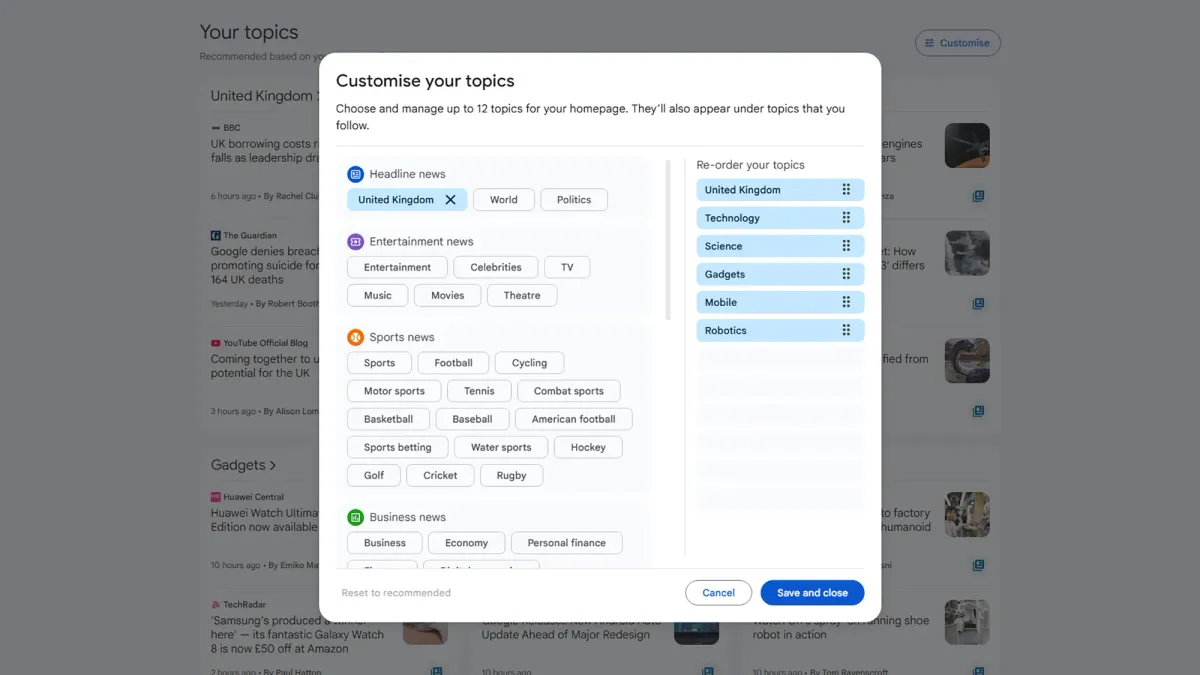
Google News also lets you customize your topics. Scroll down to the "Your topics" section on the front page and click "Customize." Here, you can choose which topics, like sports or business, you want to see more of.
While the connection between preferred sources and Google News might get stronger in the future, there are already many ways to customize the news you see on Google. If you read a lot of news, it's helpful to make sure your favorite publishers appear first.