
Remember Siri? That digital assistant who was great at setting timers but less great at, say, understanding basic human nuance? Well, Apple just gave it a serious glow-up. Say hello to Siri AI, rolling out to your iPhones, iPads, and Macs this year, with a full release expected in 2026.
This isn't just a minor update; it's a full-on personality transplant. Siri AI now offers smarter answers, actually understands context (a novel concept for a digital assistant), and even syncs your chats across all your Apple gadgets. Oh, and for the first time, it’s also its own standalone app. Because apparently, that's where we are now.
Want Siri to sound less like a robot and more like... well, something? You can even adjust its expressivity. Though, naturally, this feature is reserved for the latest devices – think iPhone 17 Pro and M4-chipped iPads. Because good vibes cost extra.
We're a new kind of news feed.
Regular news is designed to drain you. We're a non-profit built to restore you. Every story we publish is scored for impact, progress, and hope.
Start Your News DetoxActivating this new, improved digital companion is business as usual: a casual "Hey Siri," holding the side button, or just tapping the new app. It integrates everywhere, from your iPhone's Dynamic Island to your Mac's menu bar.
Your New, Smarter Sidekick
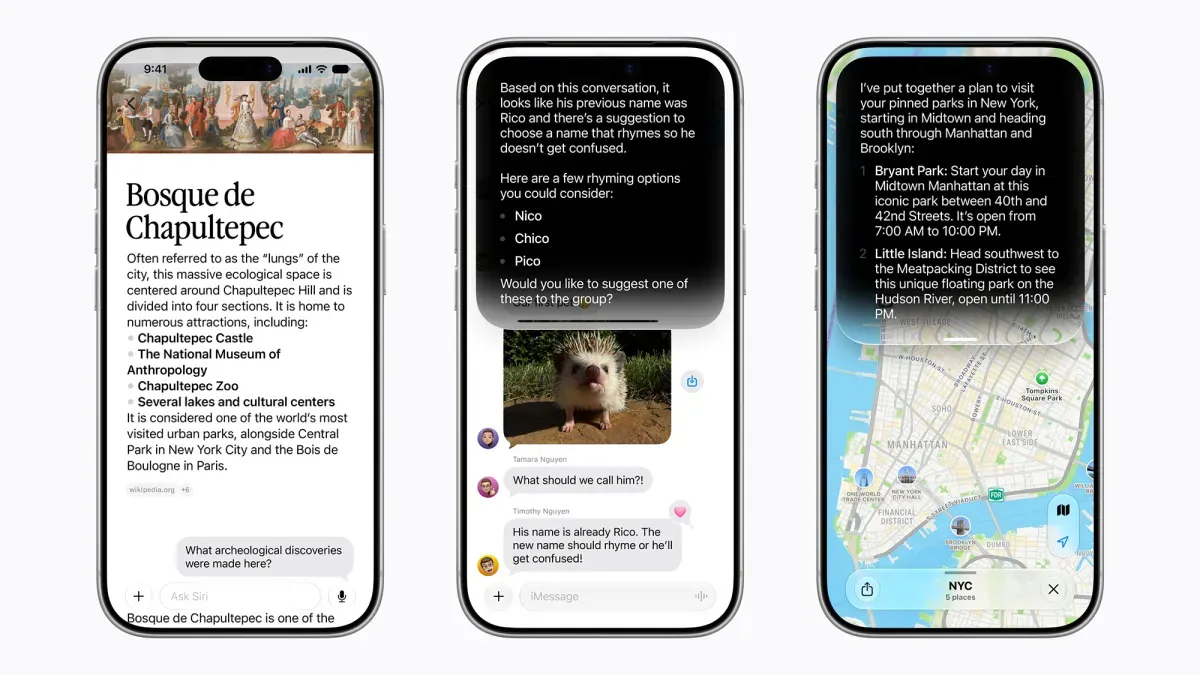
Siri AI can tackle a far wider range of questions, from "How many days until the NBA season?" to explaining complex topics in plain English. Need to brainstorm ideas for a child's birthday party without resorting to glitter glue and existential dread? Siri's got you. It's basically bringing Siri up to speed with its AI bot peers, like ChatGPT, just... Apple-ified.
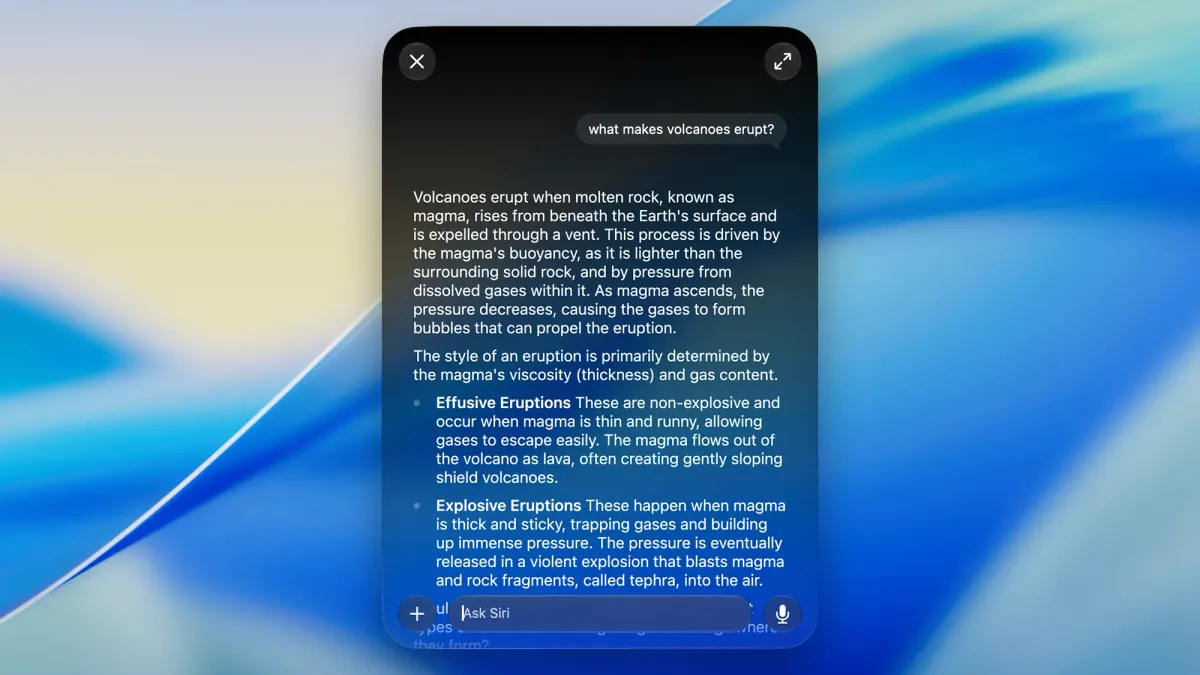
It’s also surprisingly practical. Need to reset your iPhone after a particularly bad TikTok spiral? Ask Siri. Want to attract more birds to your garden (without, you know, becoming that person)? Siri can help. What it can’t do is generate images. For that, you'll need Apple's improved Image Playground app, which offers more styles and editing options than you knew you needed.
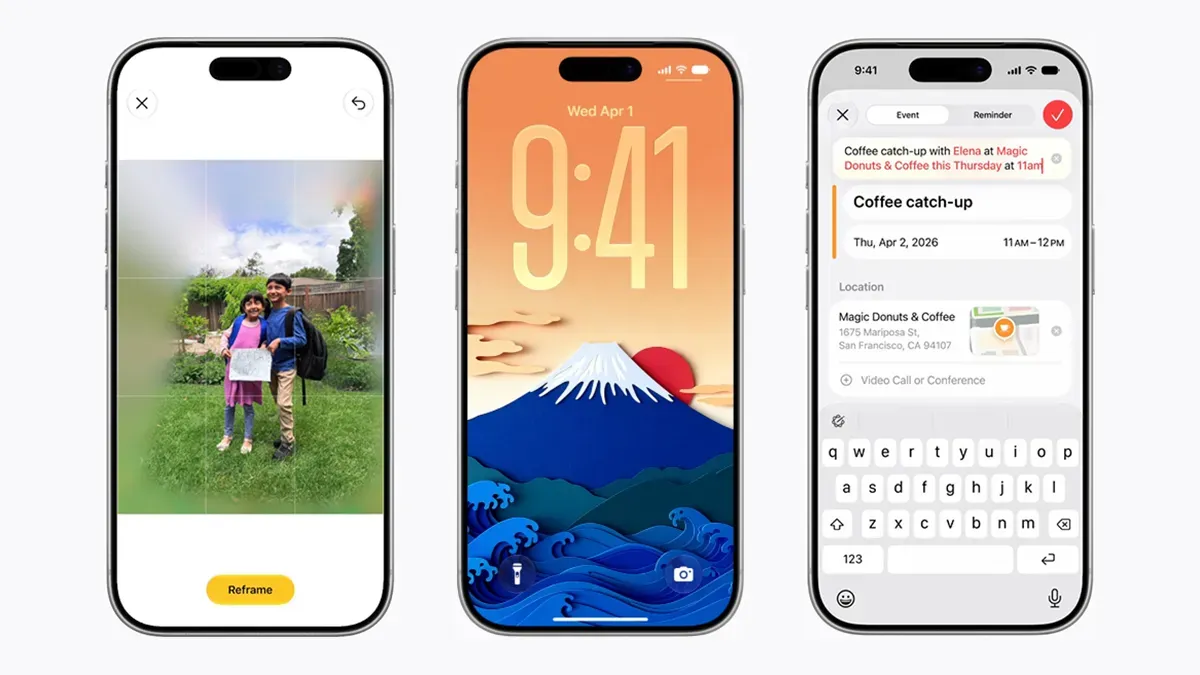
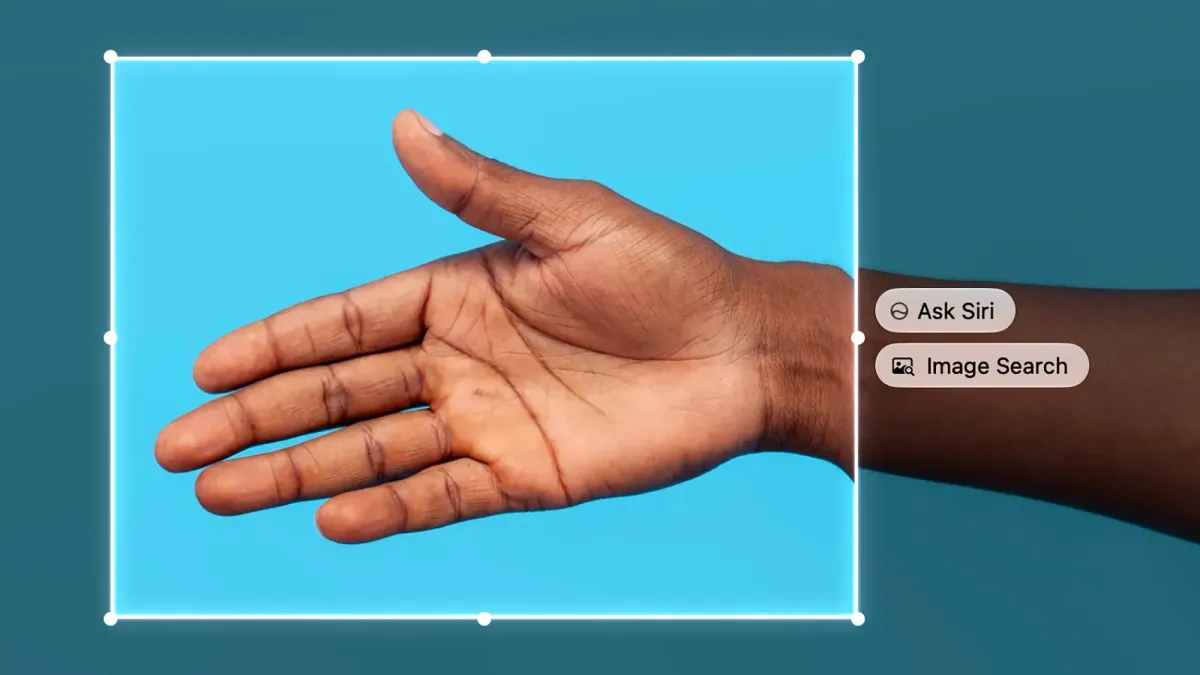
The real magic, though, is how it talks to your apps and device settings. Adjust screen brightness? Compose an email? Set a reminder based on a text message from your friend with their address? Siri AI now understands. Even better, it can comprehend what's on your screen. Looking at a photo of a stunning landscape? Ask "Where is this?" On a Mac, you can even highlight a specific part of your screen and ask Siri about it, like identifying a mysterious tree or the model of a phone. Which, if you think about it, is both impressive and slightly terrifying.
Writing Help and a Touch of Personalization
Staring at a blank email? Siri AI can draft it for you. Need a grocery list that doesn't involve forgetting the one thing you actually went to the store for? Speak it into existence. On iPhones and iPads, you just talk. On Macs, you can speak or right-click in any text field for the "Ask Siri" option. Because sometimes, typing is just too much.
For those with the latest and greatest Apple gear, you can now dive into Siri's settings to tweak its voice style and adjust its speaking pace and "expressivity." Because your digital assistant should sound exactly how you want it to, even if that means a slightly more dramatic tone when it tells you it's raining.
And that new standalone Siri AI app? It’s your command center. Browse past conversations, pick up chats where you left off on another device, or, mercifully, delete those awkward inquiries you made at 3 AM. Because some things are better left unremembered, even by AI.