
Is your phone starting to act like it's trudging through molasses? Does opening an app feel like waiting for a dial-up modem to connect? Before you shell out for the latest shiny upgrade, there’s a good chance you can inject some much-needed pep back into your current device. Think of it as a digital detox, but for your phone.
Because let's be honest, replacing a perfectly good (if slightly sluggish) phone just because it's having a mid-life crisis feels a bit wasteful. So, here’s how to get your daily companion back to its zippy self.
The App Intervention
First up: the app hoard. We all do it. Download an app for that one specific thing, use it once, and then let it gather digital dust. Turns out, all those unused apps aren't just taking up space; they're actively slowing your phone down. It's like asking your brain to remember every single random fact you've ever encountered.
We're a new kind of news feed.
Regular news is designed to drain you. We're a non-profit built to restore you. Every story we publish is scored for impact, progress, and hope.
Start Your News DetoxTime for a purge. Go through your phone and ruthlessly delete anything you haven't touched in a month. On Android, it's a simple tap and drag to the uninstall button. iOS users can find the option in the App Library. If you ever need them again, they'll be in the app store, or maybe even on a handy web version. No need for digital sentimentality here.
Then there's the sneaky stuff: apps running wild in the background, constantly refreshing and draining resources. On Android, dive into Settings > Apps, pick an app, and toggle off "Allow background usage." iPhone users, your battleground is Settings > General > Background App Refresh. Turn off those toggles for anything that doesn't absolutely need to be updating itself every five minutes.
The Great Storage Cleanse
Next, let's talk storage. A phone crammed full of photos, videos, and old downloads is a slow phone. It's like trying to run a marathon with a backpack full of bricks. Freeing up space is one of the quickest ways to see a performance boost.
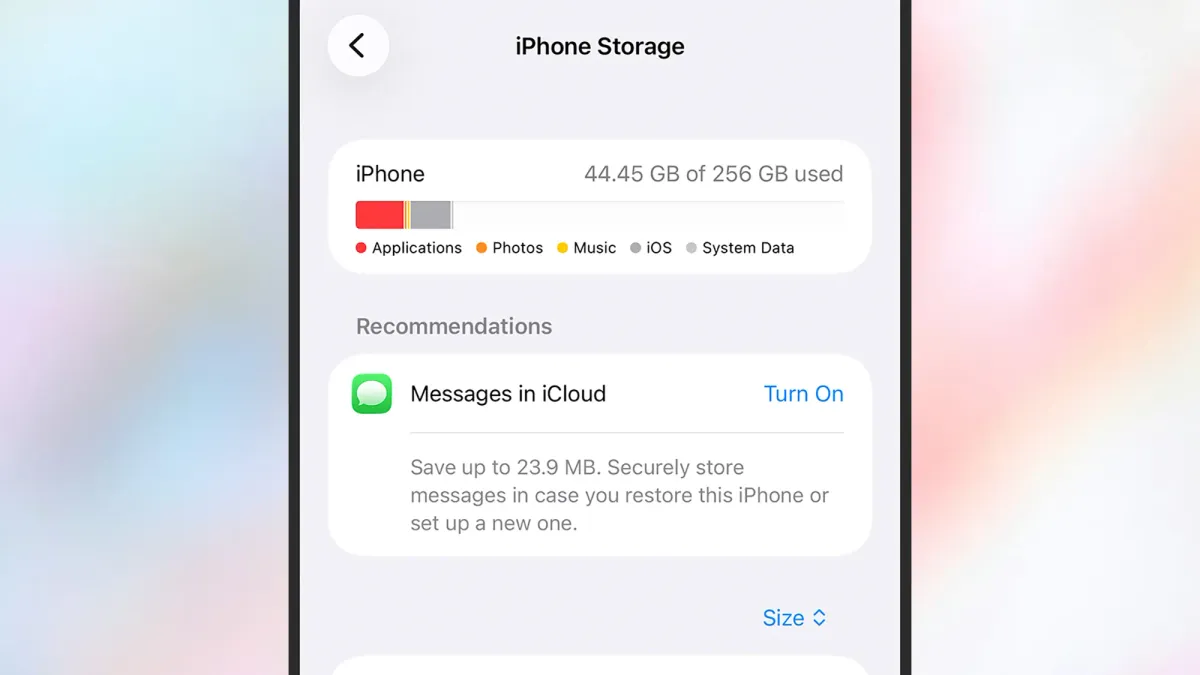
Android users, your built-in Files app is your friend here. Hit the menu, choose "Clean," and let it work its magic, suggesting old screenshots, duplicate files, and other digital detritus to jettison. iPhone owners, head to Settings > General > iPhone Storage. It'll give you a visual breakdown of what's eating your space and offer suggestions for offloading large files to the cloud. Because who needs 10,000 photos of their cat stored locally?
And for those with a Samsung Galaxy, there's a feature called RAM Plus hidden in Settings > Device care > Memory. It uses part of your storage as temporary memory. Disabling it can actually free up some space, which, if you think about it, is both impressive and slightly terrifying.
The Nuclear Option: Full Reset
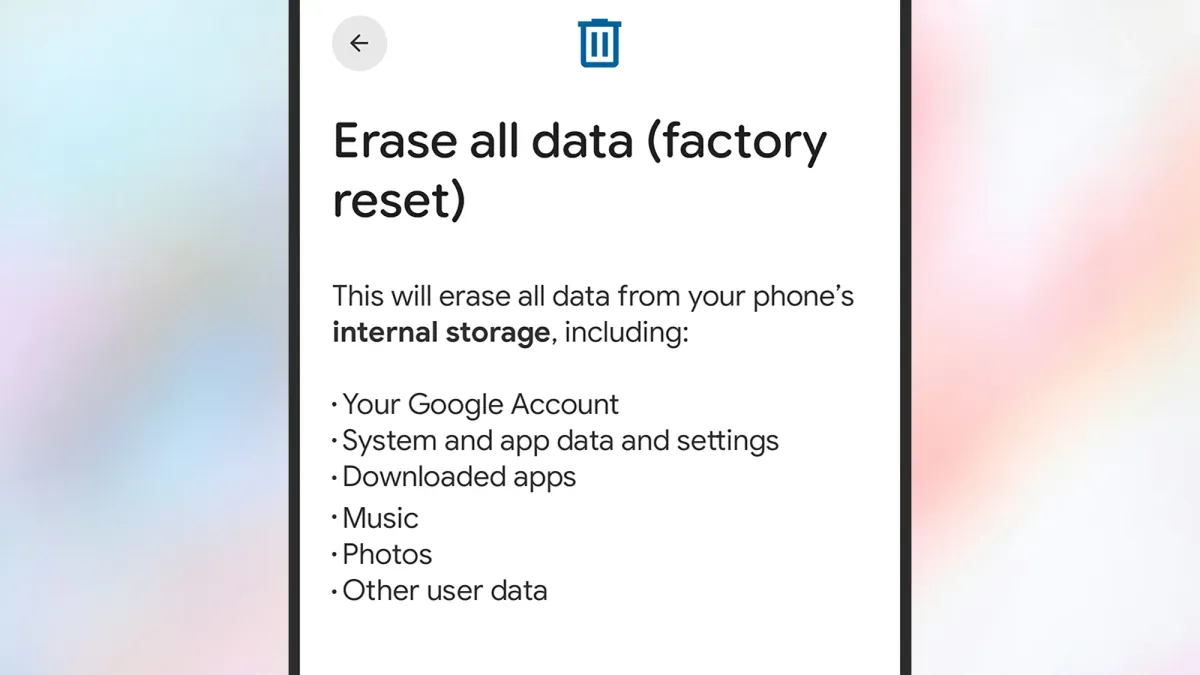
If all else fails, and your phone is still dragging its feet, there's the factory reset. This is the big kahuna, the full system reboot, the digital equivalent of moving to a new city and starting fresh. It wipes everything and returns your phone to its pristine, out-of-the-box state. All those unused apps, all that accumulated digital gunk? Gone.
But a word to the wise: back up everything first. Seriously, every photo, every video, every important document. Google Drive, iCloud, whatever your preferred cloud service – get it all safely stored. Double-check. Triple-check. Because once you hit that reset button (Settings > System > Reset options on Android; Settings > Transfer or Reset iPhone on iOS), there's no going back.
It’s a drastic step, yes, but a fresh slate often means a noticeably faster phone. And who couldn't use a little more speed in their life?